TroostOnline
TroostOnline is a foundation for kids between 9 and 13 y.o. that are experiencing some sort of grief or loss and are struggling to navigate these feelings.
The foundation's goal is to create a safe online space where the kids can reflect and learn more about what they're experiencing; supporting them to take care of their mental health from a young age and to feel less lonely in their struggle.
Objective
Create a new website prototype to improve overall usability. A platform more suitable for the foundation's evolving goals and the main target group's needs.
Deliverables
Communication strategy, branding and website prototype
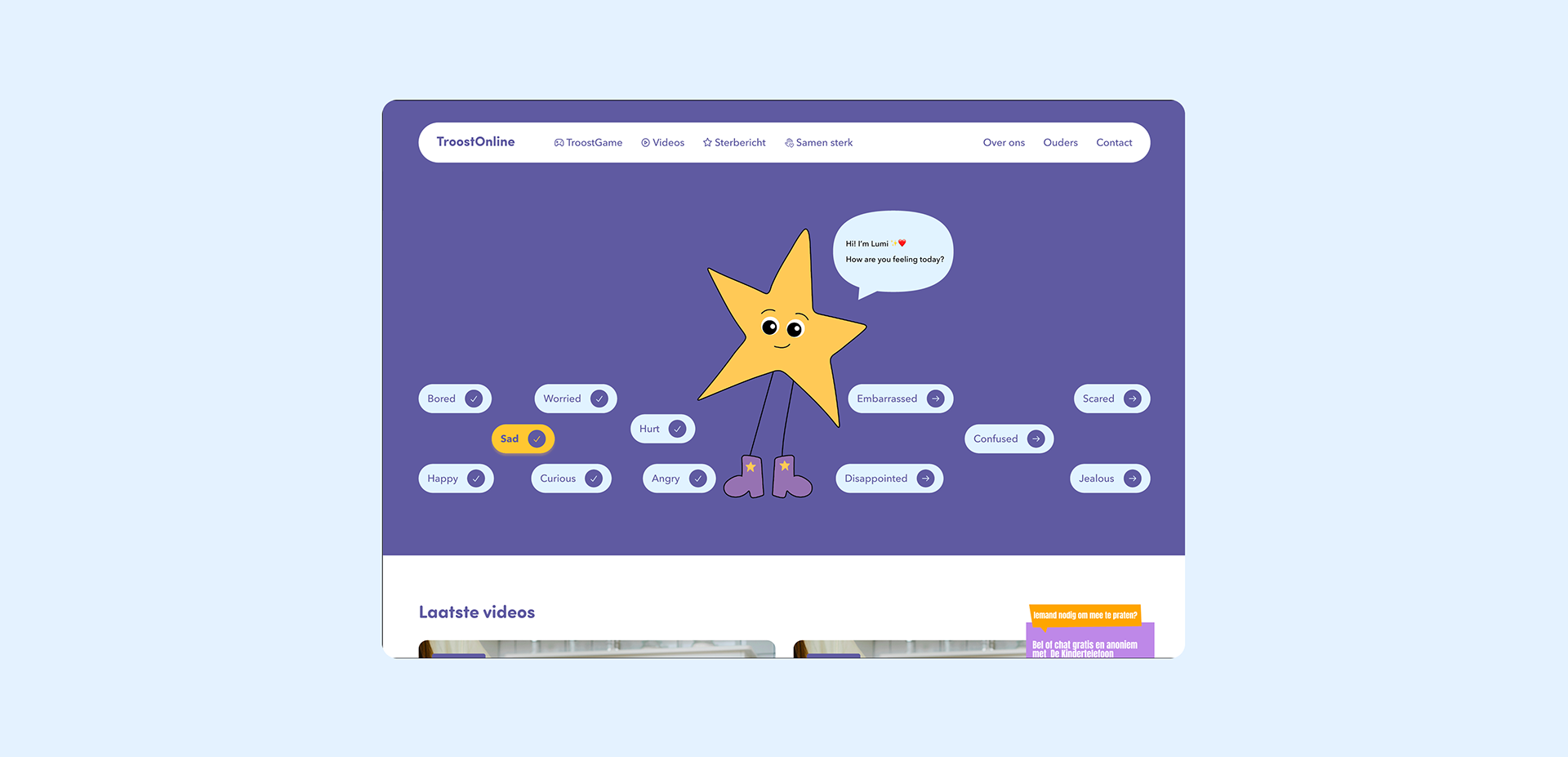
Often, children who experience traumatic life events feel intense emotions but they aren't sure how to label them or what is happening in their minds. This is why it was important for us to provide them with specific guidance.
For this we created the Feelings check-in, this is an interactive homepage hero designed to help children recognise and express their emotions with the support of a friendly virtual mascot. Inspired by co-creation research and expert interviews, the flow balances an empathetic tone with clear, direct guidance.
Children first identify how they feel and where emotions show up in their bodies, then connect those feelings to recent experiences through open-ended responses. Based on their answers, the mascot suggests relevant content on the website, creating a personalised and supportive next step.
During hard times in a kid's life, there are often many adults around them trying to help: parents and guardians, teachers, friends’ parents, coaches, and more. They all want to offer the best support they can with the resources and circumstances available to them, but knowing how to respond to specific and sensitive situations can be difficult.
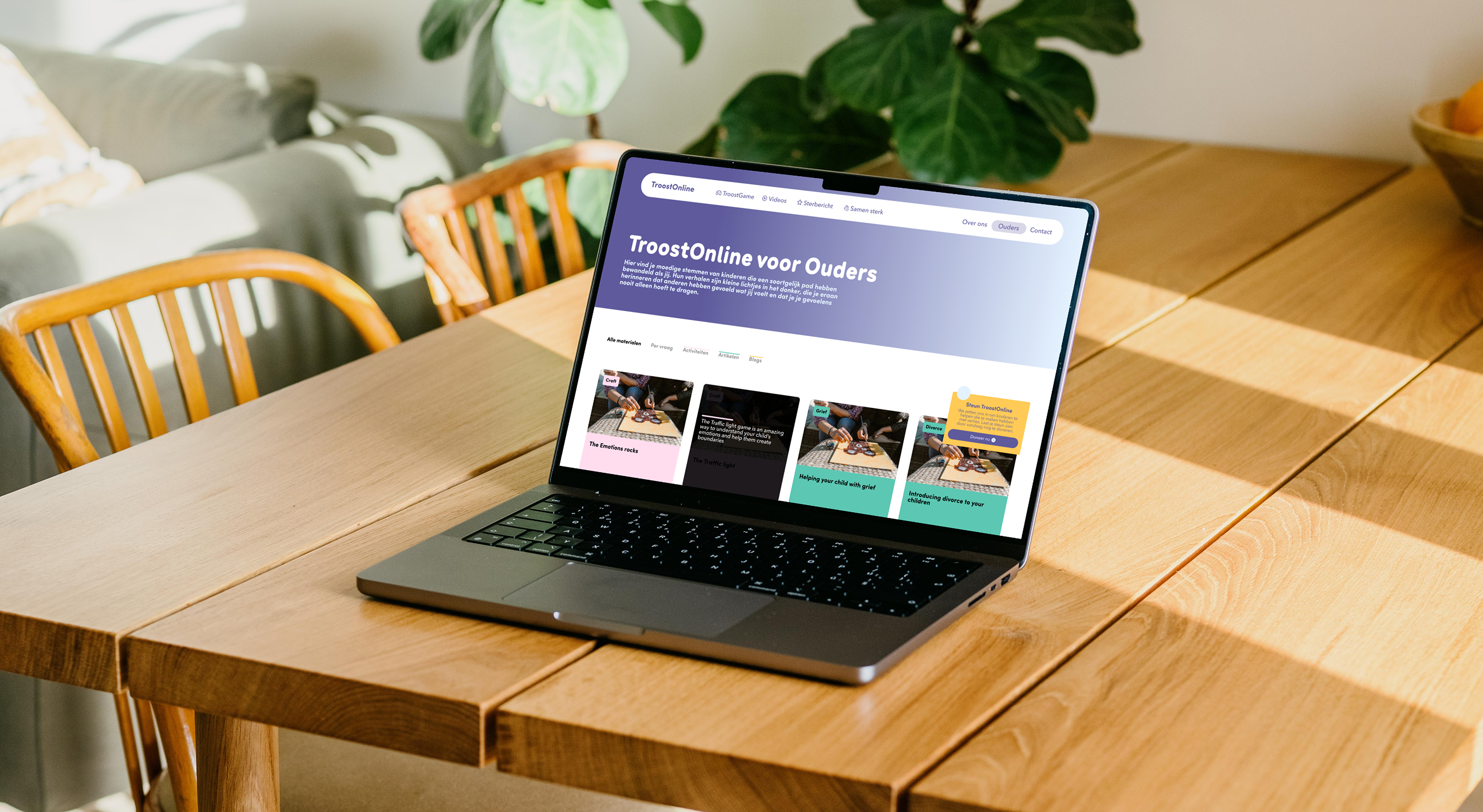
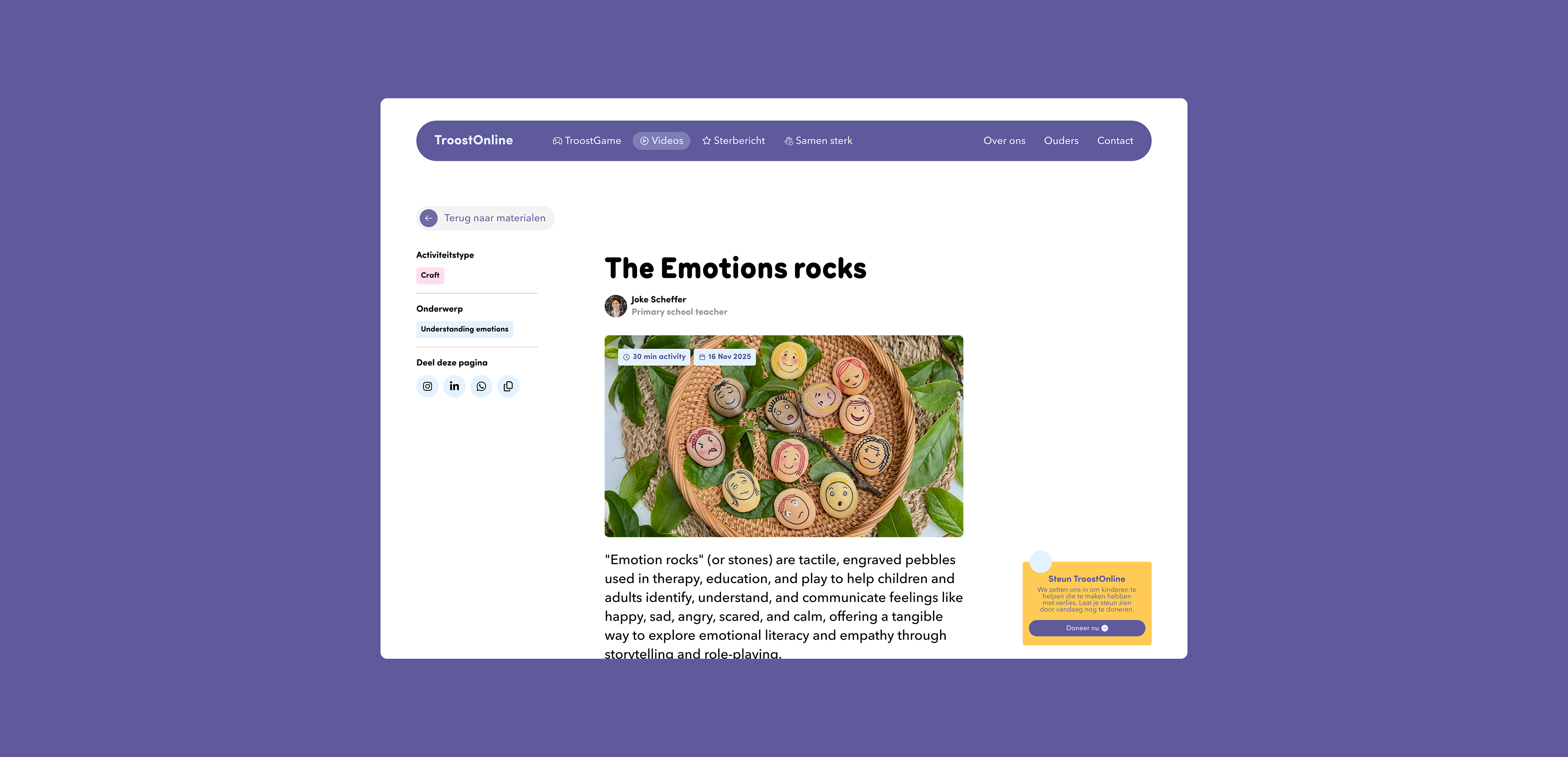
TroostOnline for Parents is a dedicated resource hub for caregivers, teachers, and relatives supporting children through traumatic life events. It is designed to make finding trustworthy guidance feel simple and manageable.
The section combines practical resources with intuitive ways to navigate them, from category and content-type filters to common-question browsing, helping users quickly find answers to concerns shared by others in similar situations. Resources are presented through scannable cards and clear single-resource pages, highlighting expert information, key takeaways, reading time, and practical activities.